How To Build Dashboards Through Web Design?
Data visualization has become crucial for businesses and organizations. Dashboards allow users to access critical information at a glance, making decision-making processes faster and more efficient. Building dashboards through web design involves understanding user needs, design principles, and how to incorporate dynamic elements that display data effectively. In this article, we will explore the best practices for building dashboards and the essential elements to consider in web design.
1. Understanding the Purpose of a Dashboard
A dashboard is a centralized location that consolidates various metrics and data points in a visually digestible format. Businesses use dashboards to display performance indicators, key business metrics, and other important data that require constant monitoring. When building a dashboard, it’s essential to focus on the purpose of the dashboard and the type of information it will display.
For instance, a dashboard for an e-commerce website might display real-time data about sales, user activity, inventory levels, and customer satisfaction scores.
2. The Role of Web Design in Building Dashboards
Web design plays a critical role in the usability and effectiveness of a dashboard. A dashboard is only as effective as its ability to communicate data. Here are key considerations for incorporating web design into dashboard creation:
a) Simplicity and Clean Layout
A good dashboard design should be simple yet powerful. Avoid cluttering the interface with too many data points. Focus on the most essential metrics and provide enough white space for users to easily navigate and interpret the data.
b) Responsive Design
With the increasing use of mobile devices, it’s important to ensure that dashboards are responsive. A well-designed dashboard should adjust seamlessly to different screen sizes, whether it’s being accessed on a desktop or a smartphone.
c) Interactive Elements
Interactive elements are essential in dashboards. Users should be able to filter data, zoom into specific data points, or even compare metrics across different periods. Buttons, sliders, and graphs should be easily clickable, and transitions should be smooth. Building interactivity into the design not only improves user engagement but also makes the dashboard more functional.
d) Data Visualization
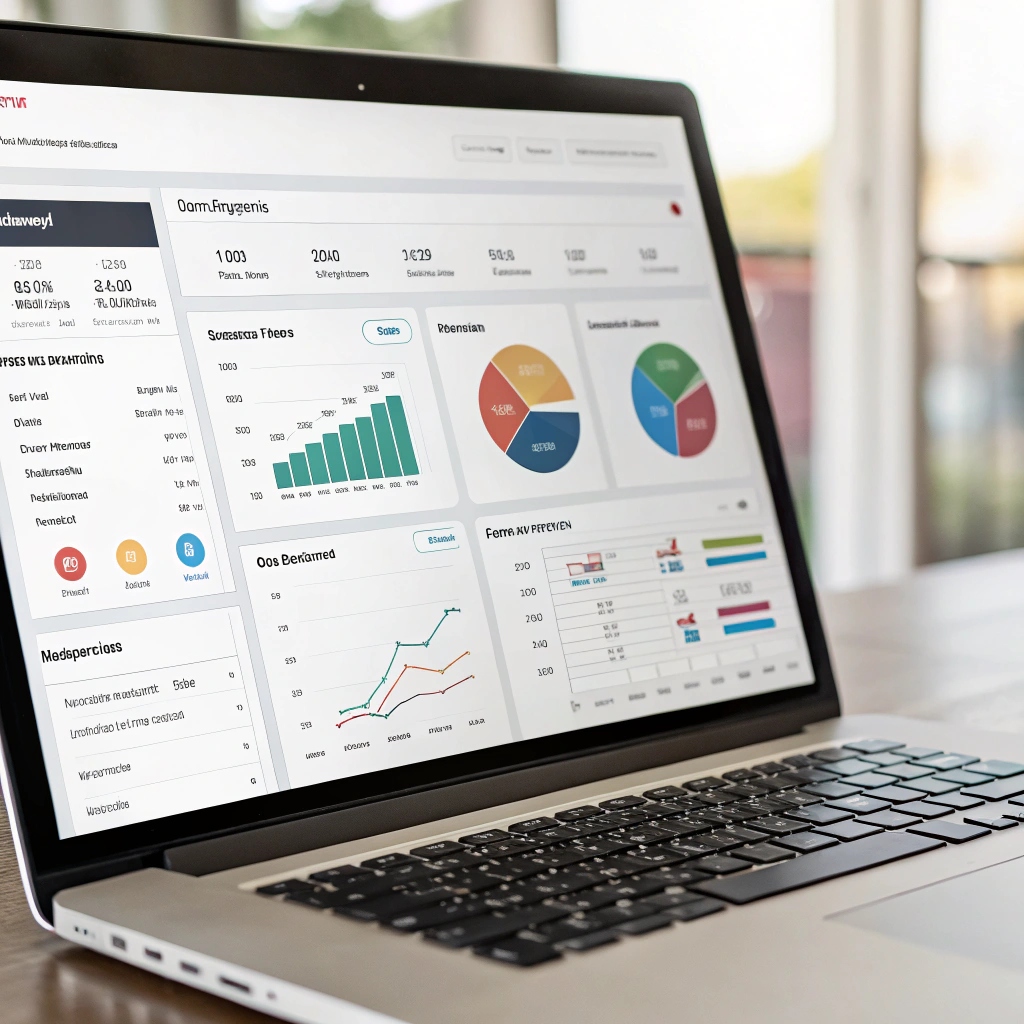
The goal of a dashboard is to provide data in a clear and easily interpretable format. A Website Designing Company in Mayur Vihar will focus on using various types of visualizations such as bar graphs, pie charts, line graphs, and tables to represent data. Each type of visualization should be chosen based on the kind of data it represents. Color schemes should also be consistent and easy on the eyes, ensuring that users can interpret information quickly.
3. Best Practices for Building Dashboards
To create effective dashboards, several best practices should be followed:
a) Keep It Focused
A dashboard should never be overloaded with data. The primary goal is to display key metrics at a glance. By limiting the scope of information to essential data points, users can focus on what matters the most. A Website Designing Company in Mayur Vihar can help ensure that a dashboard is designed to highlight important KPIs and avoid overloading users with unnecessary data.
b) Prioritize User Experience (UX)
The user experience should be a top priority when designing a dashboard. The layout should be intuitive, and the navigation should be simple. Users should be able to find the information they need without confusion. Ensure that the dashboard is easy to read, and the data flows logically to make the experience seamless.
c) Use Real-Time Data
Many businesses rely on real-time data to make immediate decisions. Whether it’s sales numbers, website traffic, or system performance, real-time data ensures that users can monitor performance as it happens.
4. Tools and Technologies for Building Dashboards
Building dashboards requires the right tools and technologies. Some common tools include:
- JavaScript Libraries: Libraries such as D3.js, Chart.js, and Highcharts are widely used to create dynamic, interactive data visualizations.
- Frameworks: Web frameworks like React, Angular, and Vue.js are often used to build dashboards as they allow for the development of interactive user interfaces.
- Backend Integration: Server-side integration with databases (using technologies like Node.js, Python, and SQL) is crucial for ensuring that dashboards receive real-time data from various data sources.
A Website Designing Company in Mayur Vihar will leverage the latest technologies to ensure that dashboards are responsive, interactive, and capable of handling large data sets.
5. Common Challenges in Building Dashboards
While building dashboards, several challenges may arise. Some of these include:
- Overloading Information: Including too many metrics or visual elements can lead to a cluttered and confusing dashboard.
- Inconsistent Data: If the data sources feeding into the dashboard are unreliable or inconsistent, it could lead to inaccurate visualizations.
- Lack of User-Centric Design: Failing to consider the target user’s needs and level of expertise can lead to a less effective dashboard.
A Website Designing Company in Mayur Vihar will help businesses avoid these pitfalls by focusing on user-friendly designs and reliable data integrations.
6. Testing and Optimization
Once the dashboard is built, it’s crucial to perform testing and optimization. Ensuring that the dashboard loads quickly, handles large amounts of data, and offers a smooth user experience is essential. Regular feedback from users will also help in making continuous improvements.
What is the primary goal of a dashboard in web design?
The primary goal of a dashboard in web design is to display key performance indicators (KPIs) and critical data in an easy-to-understand format to help businesses make informed decisions.
How can I make a dashboard design user-friendly?
By keeping the design simple, providing clear data visualizations, and ensuring intuitive navigation, you can make a dashboard user-friendly and efficient.
Why is responsive design important for dashboards?
Responsive design ensures that dashboards function properly across various devices, such as smartphones, tablets, and desktops, providing a consistent user experience.
What tools should I use for building dashboards?
Popular tools for building dashboards include JavaScript libraries like D3.js, Chart.js, and Highcharts, as well as web frameworks like React, Angular, and Vue.js for interactive user interfaces.
What are the common challenges in building dashboards?
Common challenges include overloading the dashboard with too much information, ensuring consistent and reliable data, and creating a design that is tailored to the user’s needs and experience level.
Conclusion
Building dashboards through web design involves a mix of creativity, technical expertise, and user-centered thinking. From understanding the purpose of the dashboard to implementing the right design elements and technologies, the process requires careful planning and attention to detail. Partnering with a Website Designing Company in Mayur Vihar can help businesses create effective and visually appealing dashboards that enhance decision-making and improve business operations. By following best practices in web design, focusing on interactivity and data visualization, and using the right tools, businesses can build dashboards that deliver real-time insights and drive success.